
Click help button or menu (or press F1) to open the help
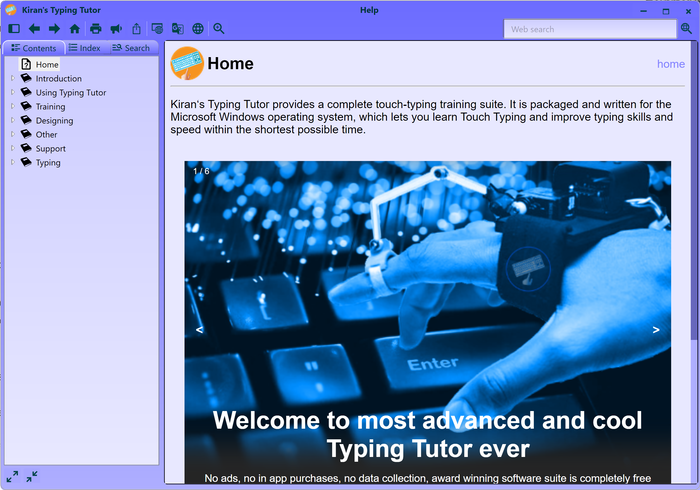
Select help item from left panel contents tree.
Use left panel search tab to search words in the help system.
Click browser button to open help in the browser.
Click on translate button to open the help text in the browser for translation. Select the language from google translator dropdown.
Click speak button to get help audio.
Navigate help system using previous, next and home buttons.
see also:
using typing tutor